 crewlo
“Summarize this project and its entry points.”
THE LOCAL AGENT STUDIO
Your agents.
A studio of
their own.
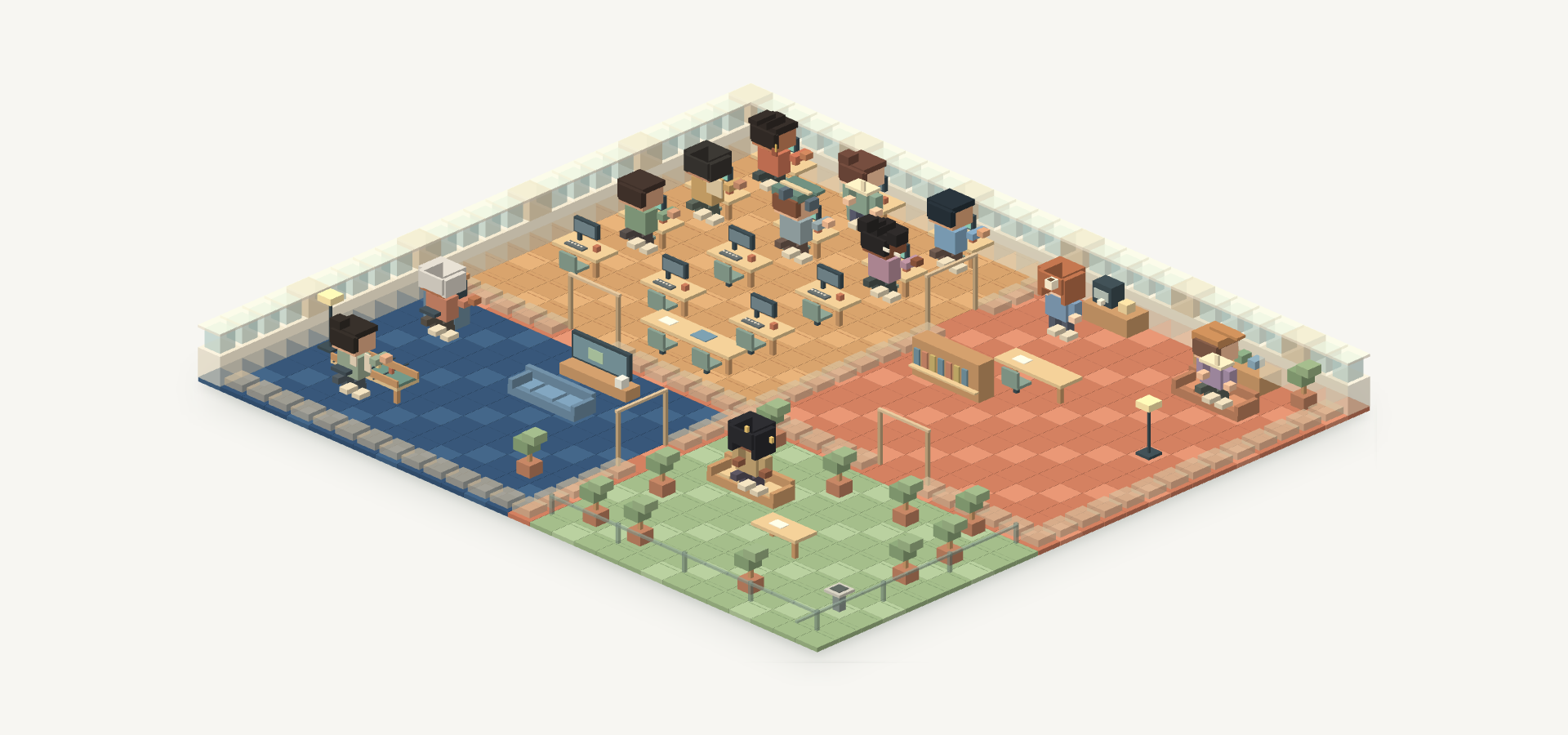
Bring your coding agents into one visual workspace. Send a mission, follow the work, find the reply.
Early-stage · Windows & macOS previews
Star on GitHubOn it.
Remy · Working
Finding the entry points.
Reading README.md
Three places to start.
- Desktop app
src/main/index.ts - Visual workspace
src/renderer/src/main.tsx - Agent bridge
src/preload/index.ts
Choose a step or play
MEET YOUR CREW
See who is working.
Find what comes next.
Select an agent to see their current activity and last reply. Follow the work here, then return to their Conversation in Crewlo.
IN THIS ILLUSTRATED STUDIO
Remy
Reading README.md · Project overview
LAST REPLY
“Start with the main process, the renderer and the preload bridge.”
Illustrated agents, breaks and replies. This preview does not run an agent.
OBSERVED IN TELEGRAM WEB · 23 SEP 2026
A real message.
A real reply.
A documented exchange with Remy, after the illustrated studio demo.
A basic message round trip, not a completed coding task or a physical-phone test.
Read the transcript ↗THE REQUEST
Hey Remy! Say hello from the Crewlo studio in one short sentence. No file changes.
THE OBSERVED REPLY
Remy · Hello from Remy in the Crewlo studio!Details & limits ↗
CHOOSE YOUR TOOLS
Your CLI. Your crew.
Select a figurine to see its CLI and how to connect it.




Claude Code
CLI claude · Runs in your local project








Figurines are illustrative. Install and authenticate your CLI separately. Provider costs and validation vary. Details & limits ↗
TELEGRAM, FROM REQUEST TO REPLY
From your phone.
Back to your crew.
The documented Telegram exchange, shown in a recreated phone view. WhatsApp is available as a separate experimental preview.
BASIC ROUND TRIP VERIFIED
Keep Crewlo and your agent running. Pair your own Telegram bot.
Set up Telegram ↗Crewlobot
September 23
BACK IN YOUR STUDIO
A message starts it.
Send a request to your paired Crewlo bot.
A mission reaches Remy.
Queued · waiting for an agent reply.
A named reply comes back.
Find Remy’s answer in Telegram.
Choose a step or play
Documented Telegram exchange · recreated screens, condensed timing. Transcript & scope ↗
Details & limits
A real request and named reply were observed in Telegram Web on 23 September 2026. This is a basic delivery check, not validation of every agent or phone scenario.
Your bot token, owner confirmation and a running agent are required. Bot API long polling; no public webhook needed.
Set up TelegramEXPERIMENTAL · LIVE TEST PENDING
Requires Meta Cloud API and your own HTTPS relay. Not WhatsApp Web.
Review WhatsApp setup ↗CrewloRemy · your crew
Today
AN ILLUSTRATED WHATSAPP FLOW
A message starts it.
A short request to your connected Crewlo agent.
A mission reaches Remy.
Queued · waiting for an agent reply.
A named reply comes back.
An example of a named reply in WhatsApp.
Choose a step or play
Illustrated preview · not yet live-tested. Scripted messages and recreated WhatsApp UI. Requires your Meta Cloud API setup and a running Crewlo agent. Setup & current limits ↗
Details & limits
The Meta Cloud API transport is implemented and covered by simulated API tests. A real account-to-agent exchange still needs verification.
Requires your Meta setup and public HTTPS relay. Free-form replies need an open 24-hour user-message window. This is not WhatsApp Web.
Review WhatsApp requirementsDetails & limits · data and costs
Agent CLIs can send prompts and code to AI providers. Telegram and Meta process messages on their platforms. Provider and messaging charges may apply. Messaging secrets use OS-encrypted storage; local conversation history is not encrypted by these integrations. Phone messages do not bypass agent permissions.
Full data and cost boundaries ↗START SMALL
One agent.
One first mission.
Download a Windows or macOS preview and open your studio. Source setup is also available.
- 01
Install Crewlo
Choose Windows x64, Apple Silicon or Intel Mac. Download the matching preview.
Choose your installer ↗ - 02
Open your studio
Launch Crewlo, connect your own authenticated agent CLI and choose a project folder.
Follow the setup ↗ - 03
Try a small request
Ask for a project summary before changing files. Check permissions and read the reply.
Try your first mission ↗
Download for Windows Download for Mac
Your agent needs its own account. Provider subscriptions and API usage may cost extra. Other platforms still need validation.
Can I download an installer?
Yes. Download the Windows x64 preview (129 MB). It is unsigned and tested on the development PC; Windows may show a publisher warning. Clean-PC installation and uninstall remain unverified. Mac users can download the Apple Silicon or Intel preview, without Apple certification or notarization. Linux installers are not available. Installation steps and checksum.
Which agents can I use?
Crewlo uses agent CLIs you install and authenticate separately. Presets in the code are not proof that every provider, permission flow or messaging scenario has been tested. Use an available session in the app and check the current validation scope.
What does it cost, and where does my data go?
Crewlo’s source is MIT-licensed. Your AI provider and messaging services may charge separately and process the data you send them. Local execution does not mean offline processing. Read the boundaries.
Can I use it when my computer is off?
No. Keep your computer, Crewlo, network connection and agent session running. Messaging does not host agents or remotely approve tools. WhatsApp also needs your own HTTPS relay.
BUILD YOUR CREW. BLOCK BY BLOCK.
Start with a small mission.
Take a look around, then bring one agent into your own studio.